
Course progress: 0 / 20 lessons
PART 1 OF 4
How screen readers work
Build a reliable mental model of the non-visual interface before you learn individual tools or testing techniques.
- 4 lessons
- About 27-31 minutes including knowledge checks
What this part covers
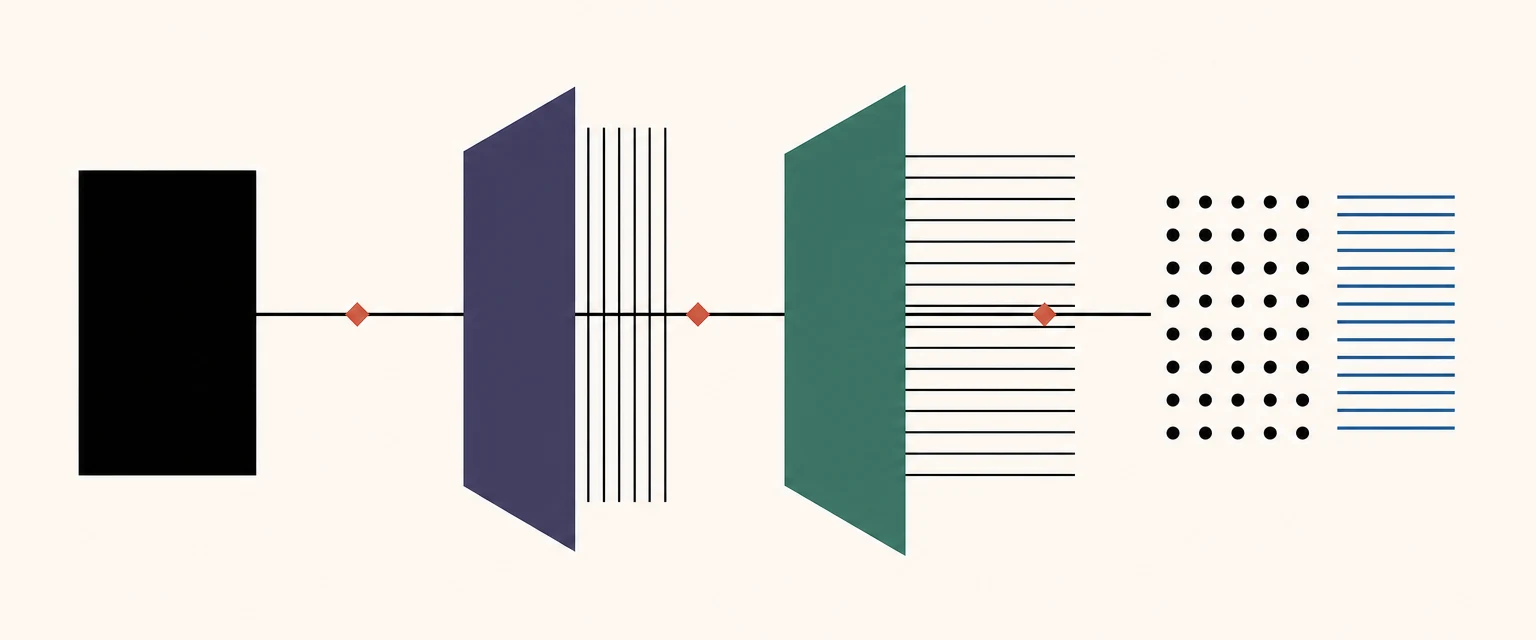
This part explains what a screen reader exposes, how information reaches it, and how people navigate web and app interfaces with keyboards, touch gestures, and braille controls.
- Recognise a screen reader as an alternative interface, not only text read aloud.
- Trace the information chain from product code to platform accessibility APIs and output.
- Account for different navigation models and product environments.
4 LESSONS
Lessons in this part
- Start with the right mental model4 min reading · 2-3 min check
- Follow the information chain5 min reading · 2-3 min check
- Navigate with different input models5 min reading · 2-3 min check
- Compare web and app environments5 min reading · 2-3 min check